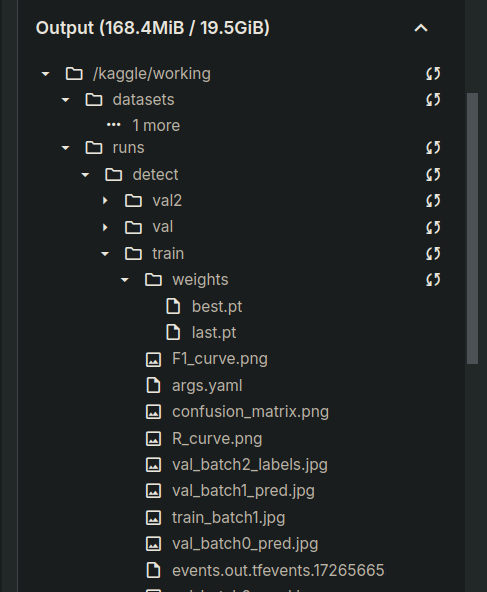
In this experiment we present Flowers data from @roboflow - yolov8 from @ultralytics - trained on @kaggle & model shared and deployed on @yolovx 
Check out this Kaggle notebook to train your custom model:
Deploying the Custom Model on YOLOvX App for Real-time Inference
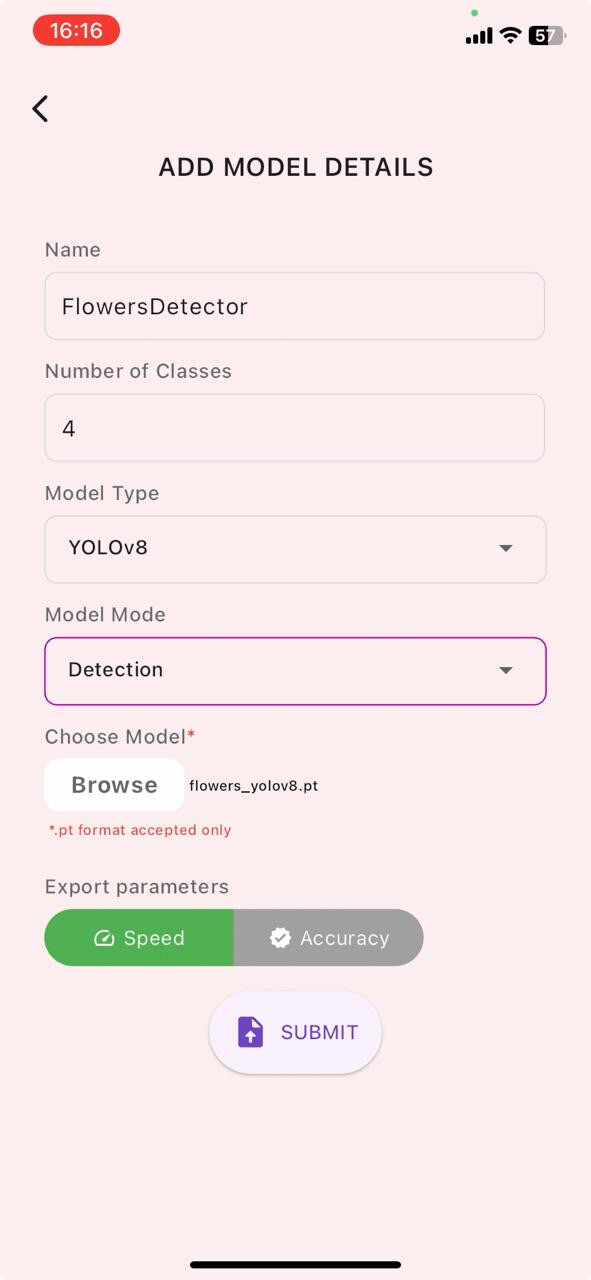
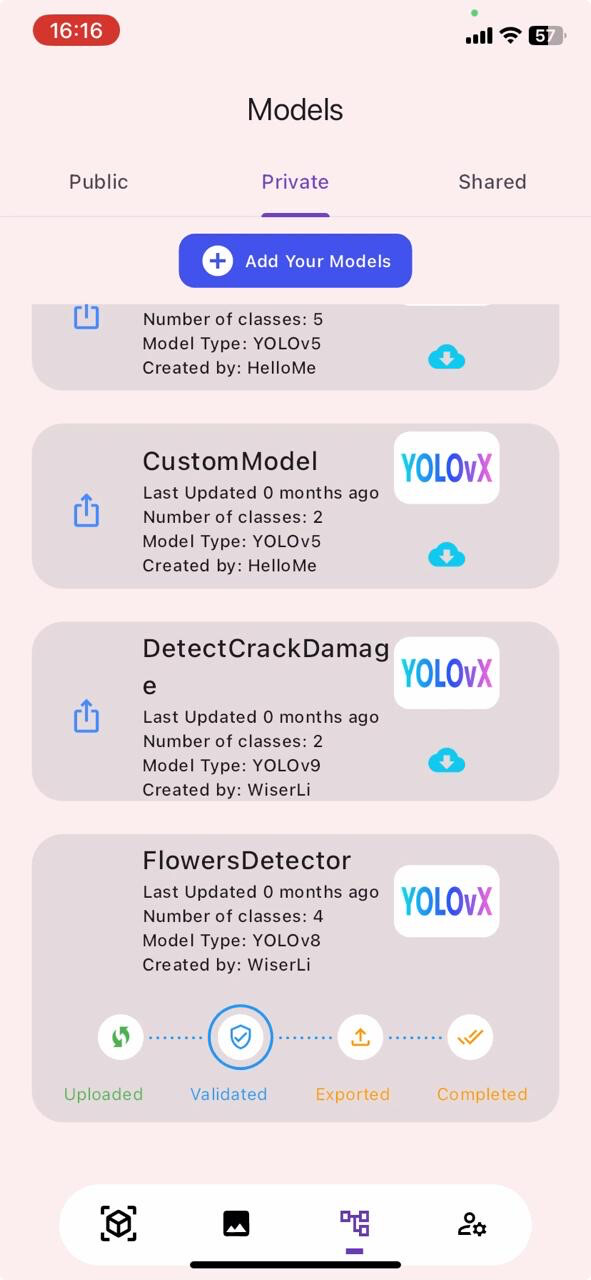
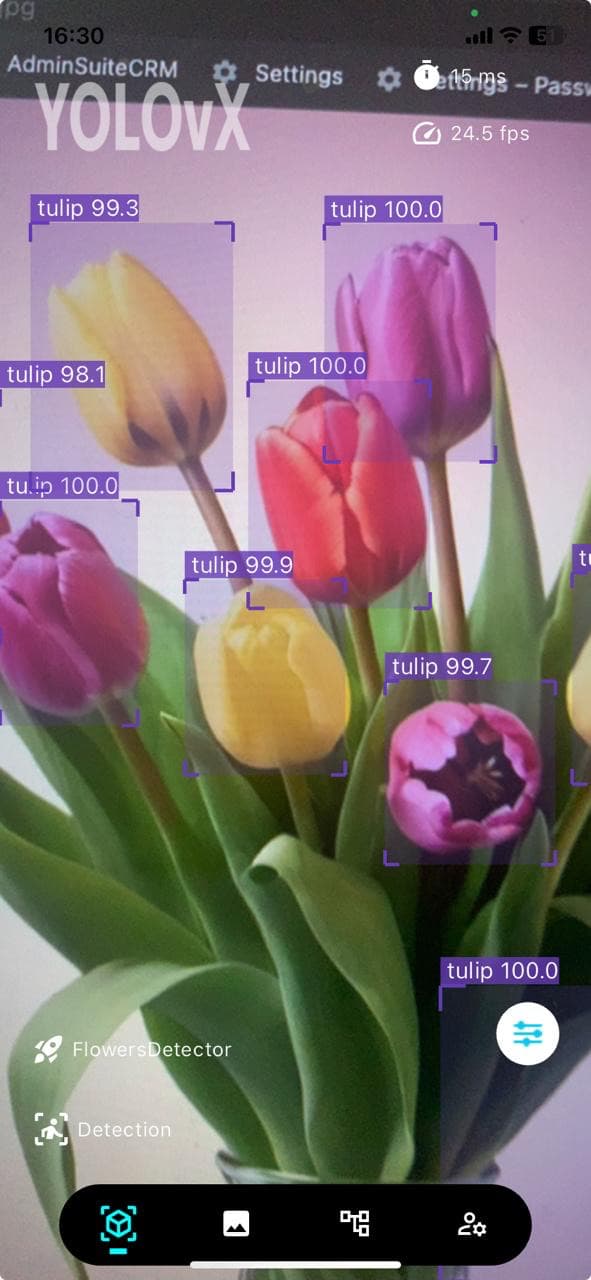
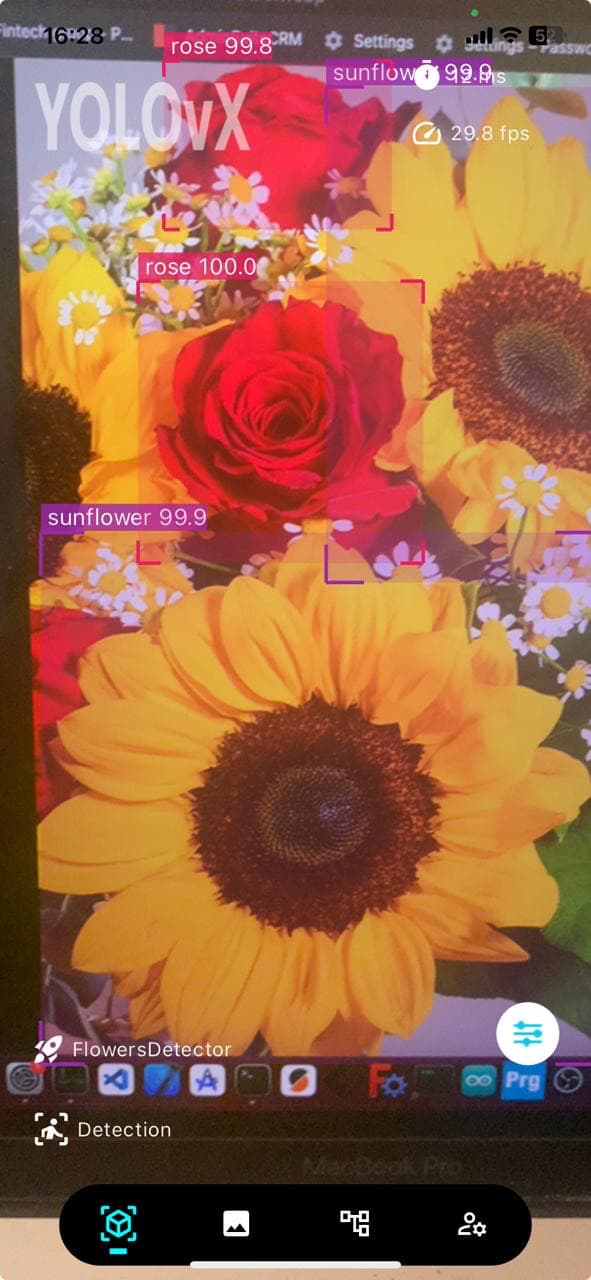
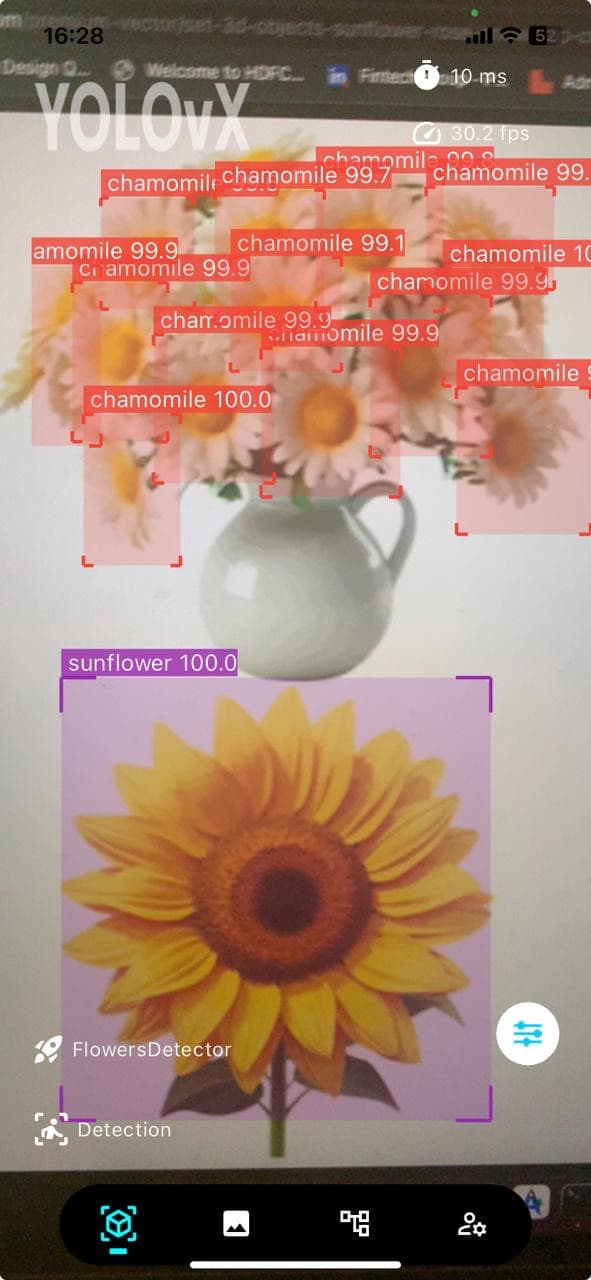
Once you are satisfied with the model performance you can now simply download the model from Output directory and upload it to the YOLOvX App. Now simply RUN in the Garden to find those nice flowers and see the detection, some screenshots attached here for your reference.
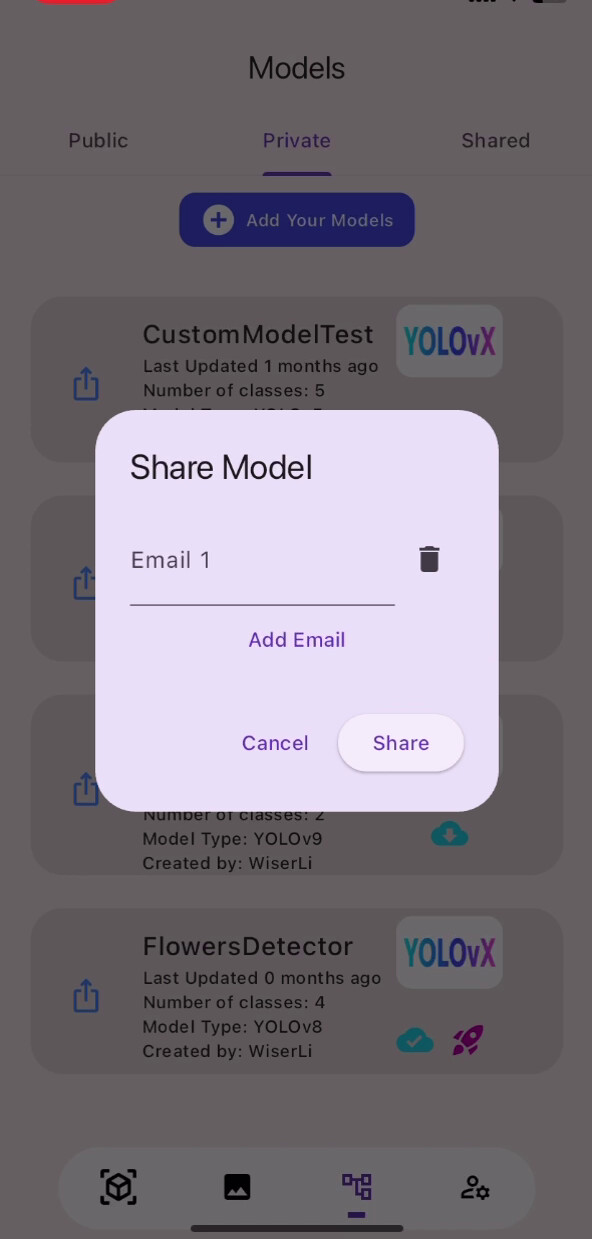
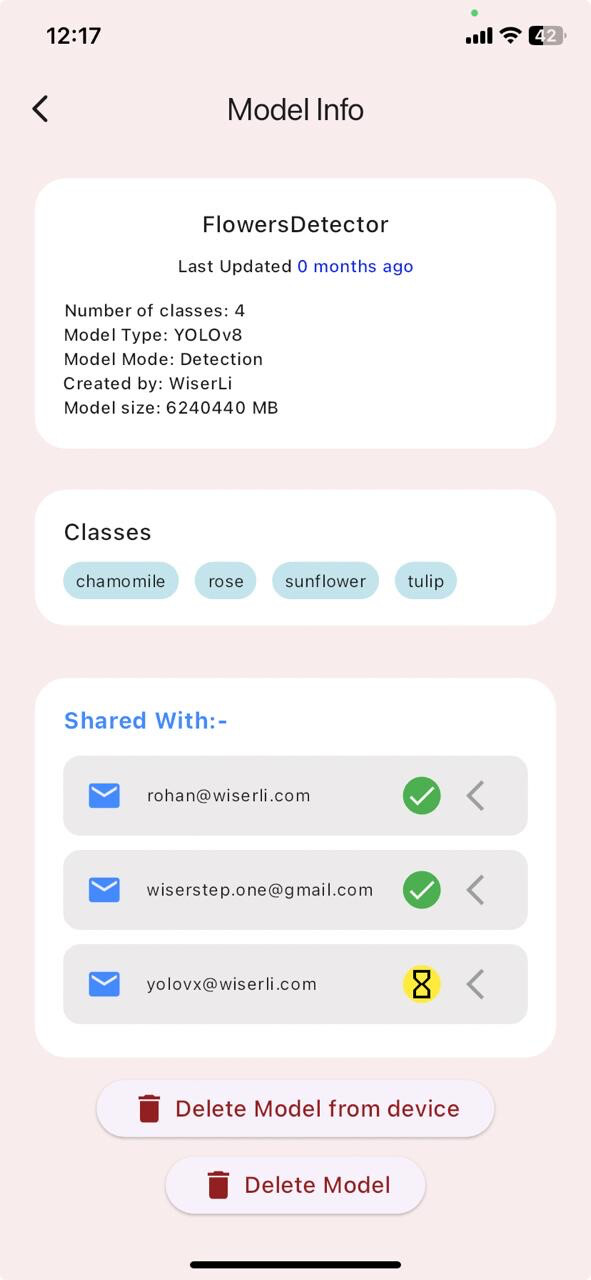
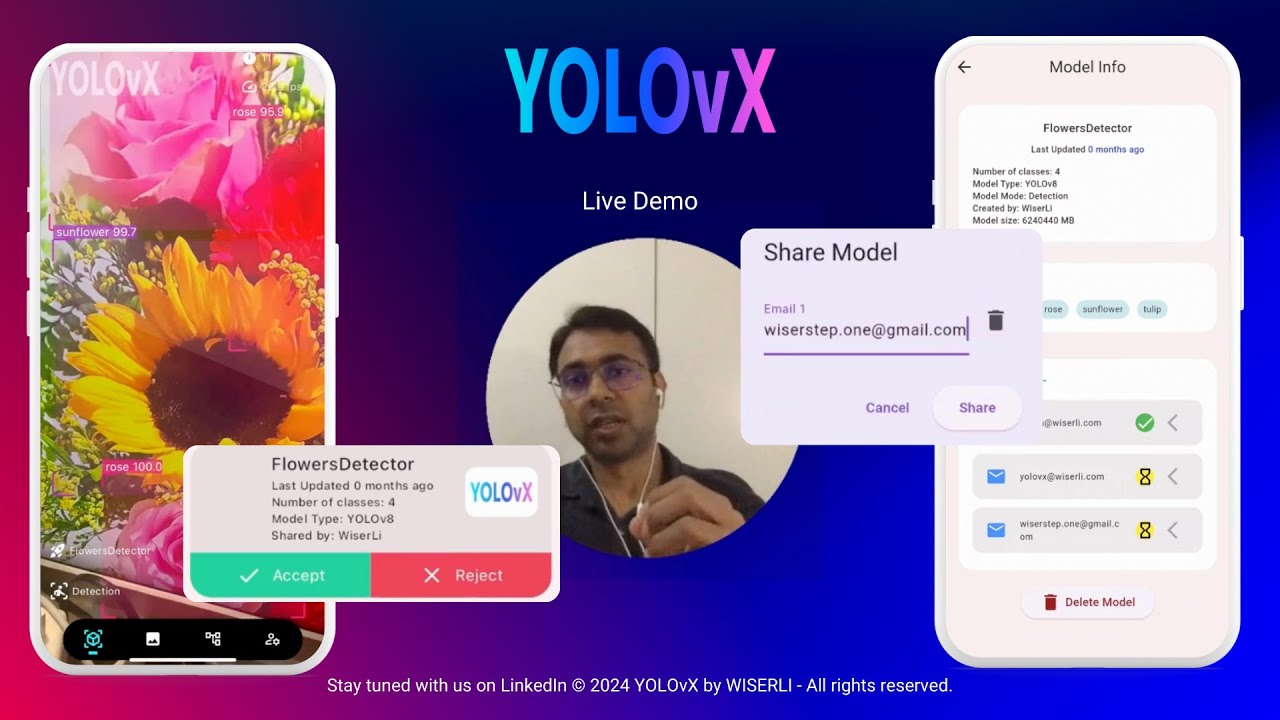
Model Owner Steps
- Upload the Model, 2. Wait for the Model to be Converted and Uploaded, 3. Just put email ID to be shared with, 4. Check Model Info
Shared User Steps
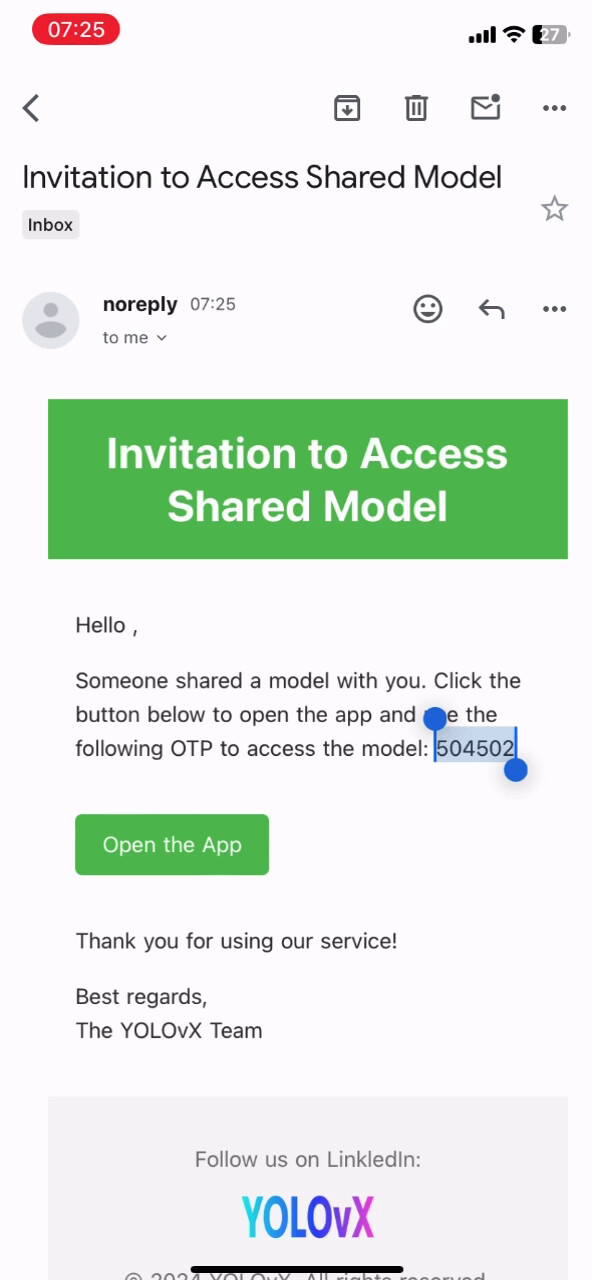
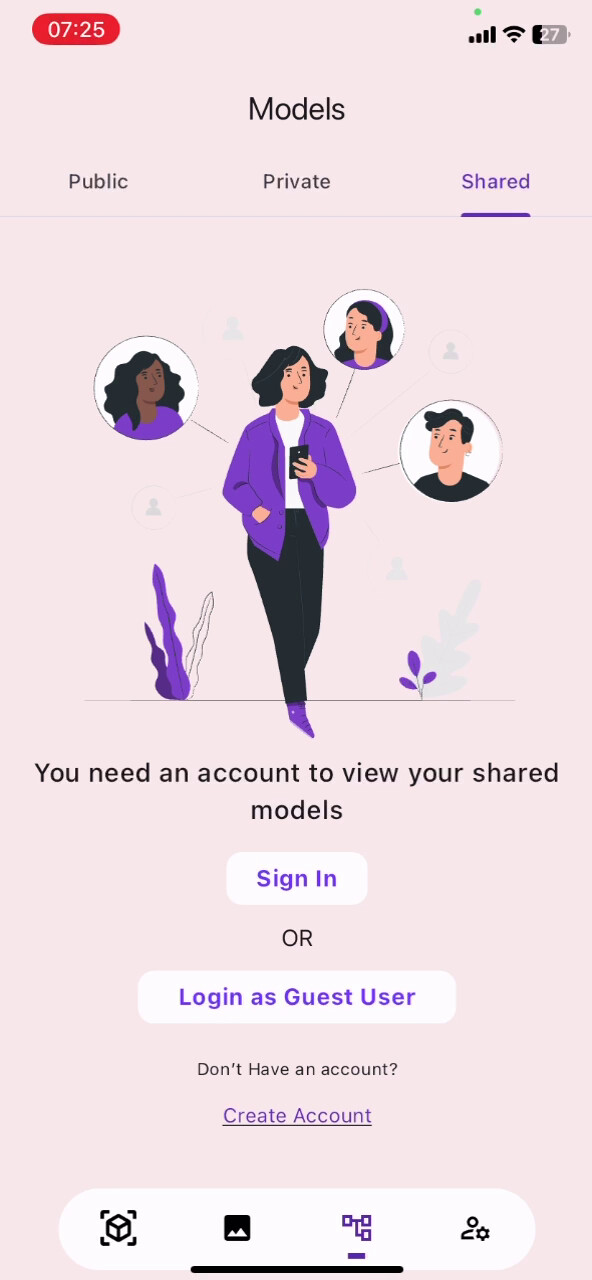
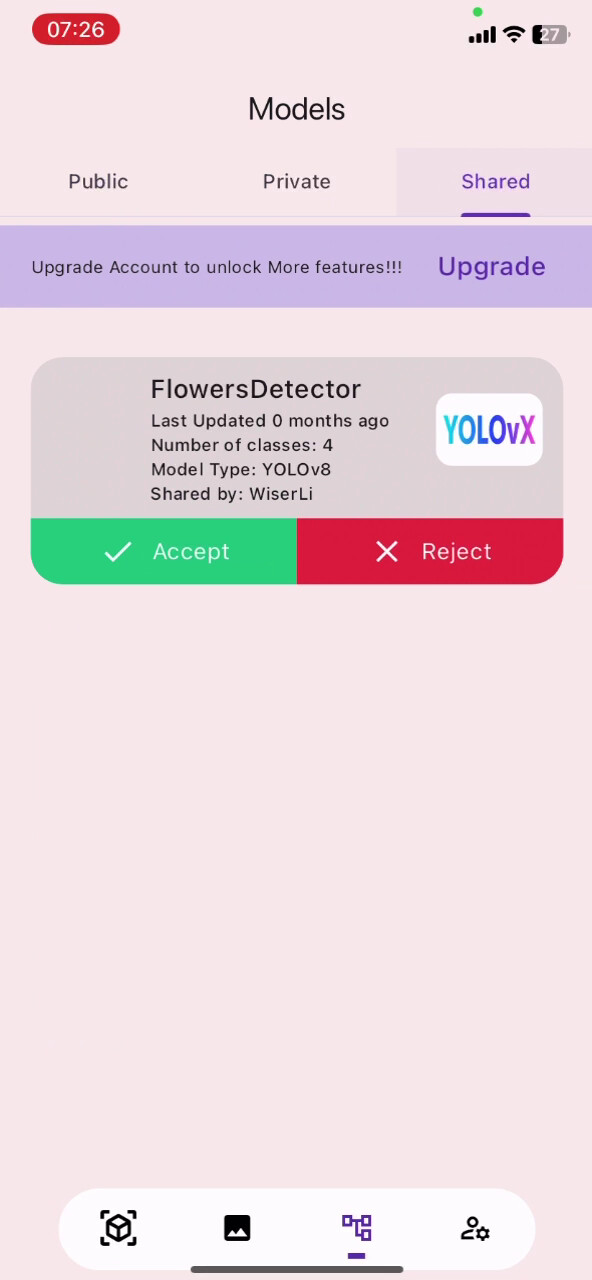
- Log in Model with Credentials, 2. Accept in the Shared Tab, 3. Download and Deploy Model
(you will need to use Guest User Login if you dont have an account, if you already have an account your shared models will directly appear in Shared Tab)
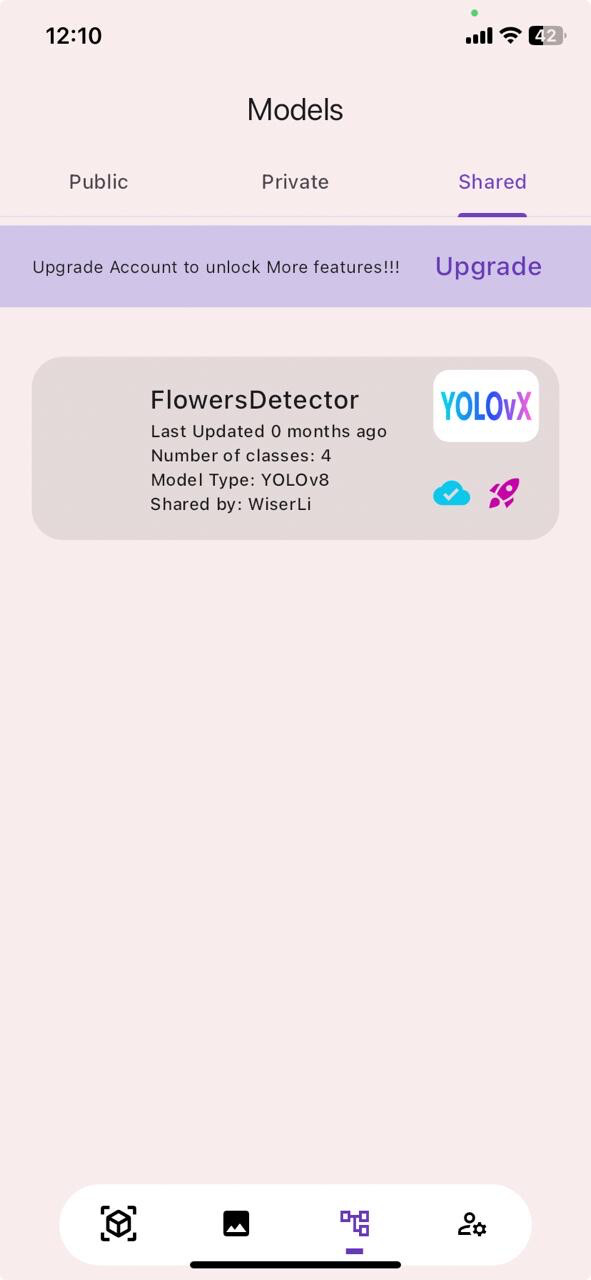
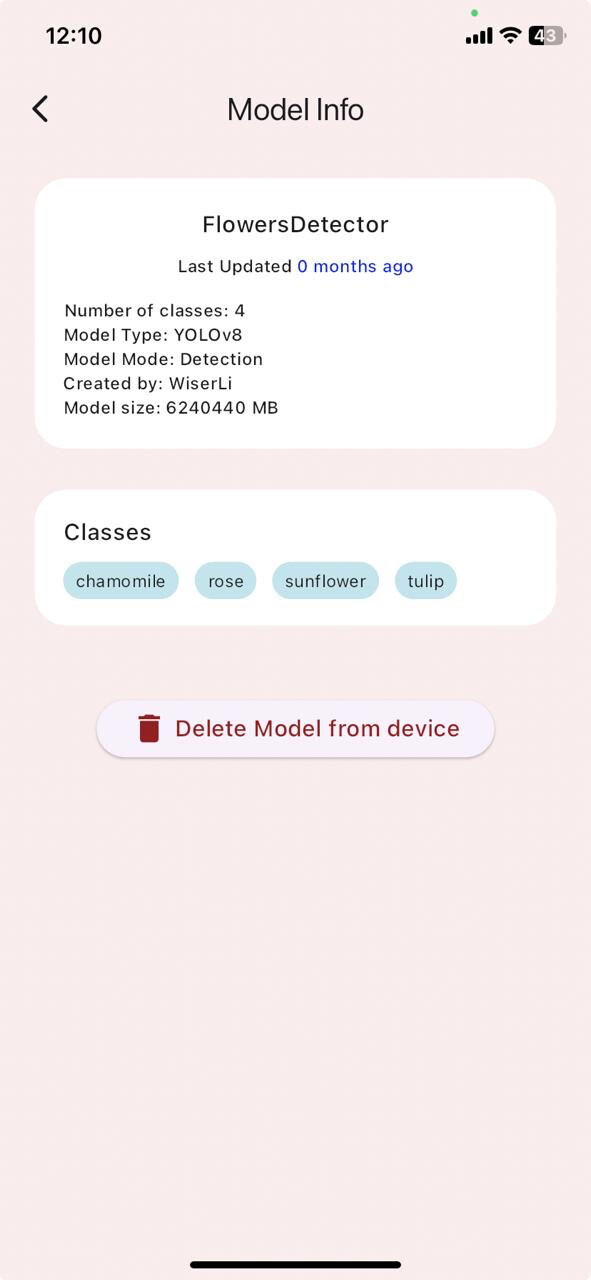
Real-time Inference
Enjoy Real-time inference on your mobile phone
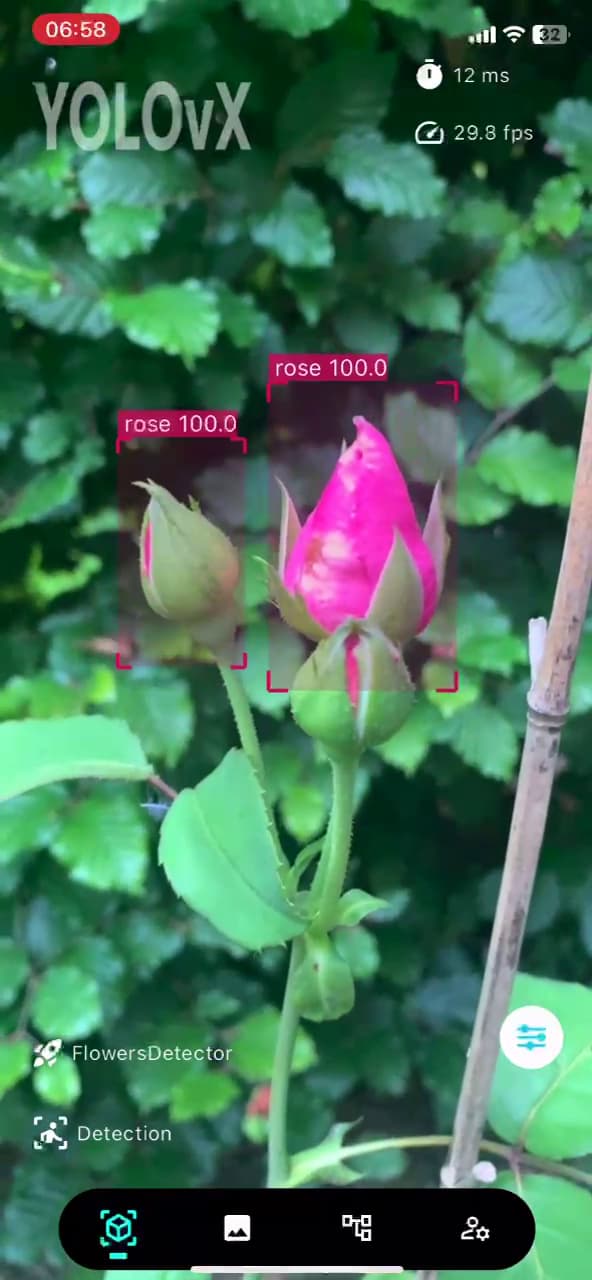
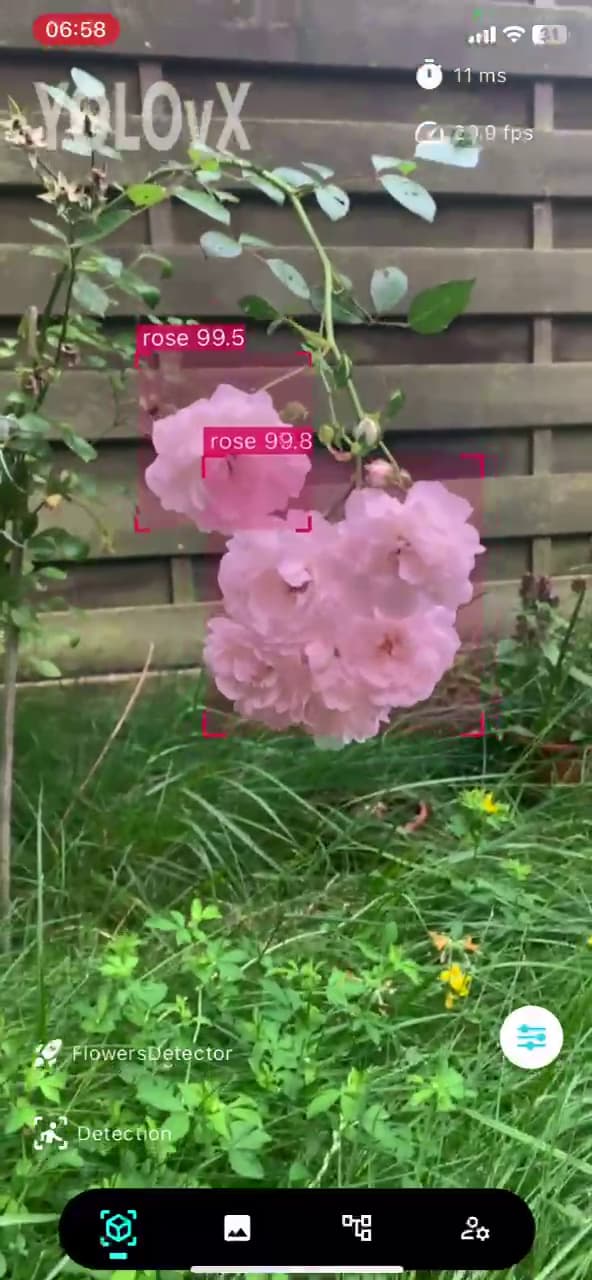
Watch this video for demo:
Deploying the Custom Model on YOLOvX App using YOLOvX SDKs
Please note that YOLOvX SDKs are under testing now, we will soon release the SDKs so that you will simply add two line of code right after training procedure and the model will be uploaded and available in the YOLOvX App for inference.